Meetings & Polls
Purpose
The Meetings module allows the cooperative to schedule and record meetings (Board meetings, AGMs, committee meetings), track attendance, record minutes, and manage action items. The Polls module allows members and staff to vote on questions or decisions electronically.
Who Can Access
| Role | Access Level |
|---|---|
| Administrator | Full access — create meetings and polls |
| Committee Member | Can create meetings and view results |
| Staff | Can view meeting schedules |
| Member | Can participate in polls on the portal |
How to Open This Page
Sidebar → Meetings
Meetings List
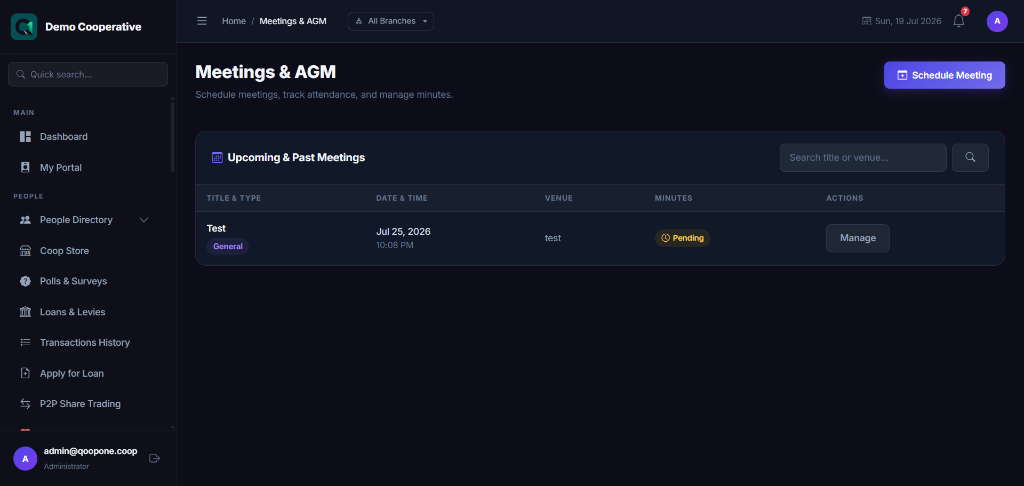
Shows all scheduled and past meetings.
| Column | Description |
|---|---|
| Title | Meeting name (e.g. AGM 2026) |
| Type | Board Meeting, AGM, Committee Meeting, etc. |
| Date | Scheduled date and time |
| Venue | Physical or virtual location |
| Status | Upcoming, In Progress, Completed |
Scheduling a Meeting
- Click Schedule Meeting.
- Fill in:
| Field | Required | Description | Example |
|---|---|---|---|
| Meeting Title | Yes | Name of the meeting | Annual General Meeting 2026 |
| Meeting Type | Yes | Type of meeting | AGM |
| Date & Time | Yes | When the meeting will be held | 15/08/2026 at 10:00 AM |
| Venue | No | Physical address or virtual platform | Cooperative Hall, HQ |
| Agenda | No | Topics to be discussed | 1. Financial report 2. Dividend declaration |
| Invitees | No | Who should attend — can select all members, specific roles, or specific people | All Members |
- Click Save Meeting.
Members and staff can be notified via SMS or email.
Recording Meeting Minutes
After the meeting:
- Open the meeting record.
- Click Record Minutes.
- Type the minutes (what was discussed and decided).
- Record Attendance — who was present.
- Add Action Items — tasks that came out of the meeting, assigned to specific people.
- Click Save Minutes.
Polls
Sidebar → Meetings → Polls (or Sidebar → Polls)
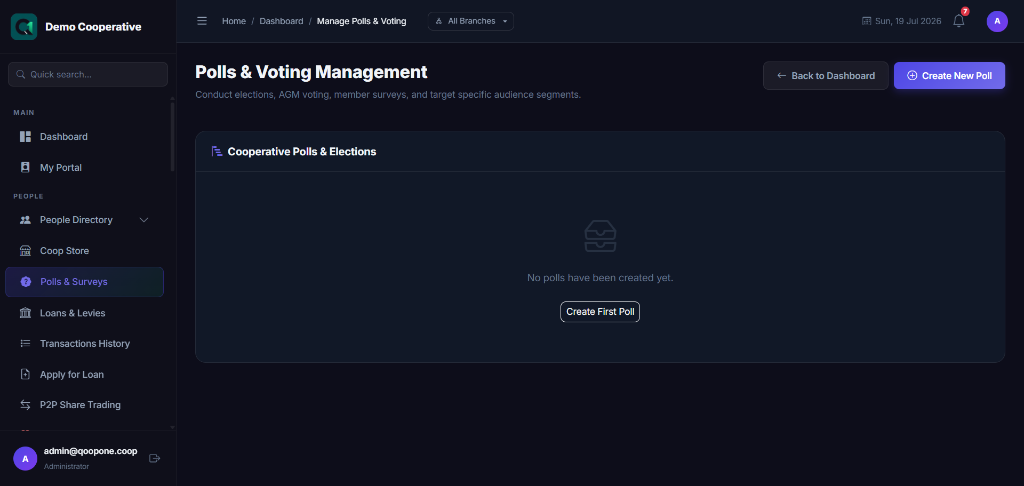
Polls allow members or staff to vote on a question electronically.
Creating a Poll
- Click Create Poll.
- Fill in:
| Field | Required | Description | Example |
|---|---|---|---|
| Poll Question | Yes | The question being put to vote | Should we increase the monthly savings minimum to ₦5,000? |
| Options | Yes | The possible answers to vote for | Yes / No / Abstain |
| Eligible Voters | Yes | Who can vote | All Members |
| Start Date | Yes | When voting opens | 01/08/2026 |
| End Date | Yes | When voting closes | 14/08/2026 |
| Anonymous | No | Whether votes are anonymous | Yes |
- Click Launch Poll.
Members can vote on the portal. Staff can monitor live results.
Tips
Send Meeting Invitations
After creating a meeting, use the SMS or Email module to send invitations to members with the meeting date, time, and venue.
AGM Polls
For large decisions like dividend rates or bylaw changes, use the Polls module to get member votes before the AGM.